Your account
Everything about you lives on Me: your profile, your preferences, and, in the app’s words, your exit.
Profile
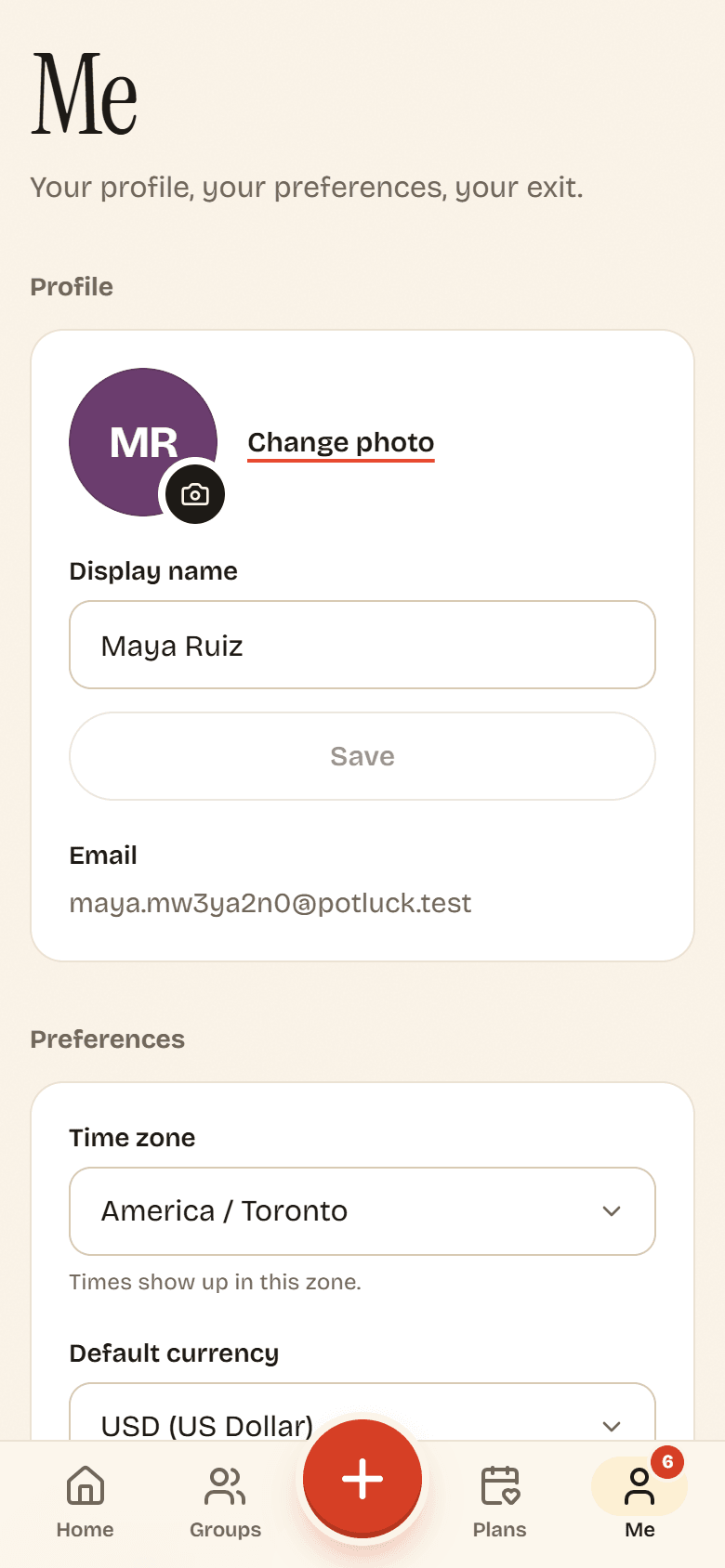
Section titled “Profile”- Change photo to upload a new picture (PNG, JPG, WebP or GIF, up to 5 MB). Potluck crops it square.
- Display name is how friends see you on shared tabs and plans. Edit it and tap Save.
- Email is the address you sign in with.
Preferences
Section titled “Preferences”Time zone : Every time in Potluck shows in this zone. If your device is somewhere else (say you are traveling), a Use my current time zone button appears.
Default currency : New groups you create start in this currency, and the balance on Home adds up groups in it. Existing groups keep their own currency. See Currencies.
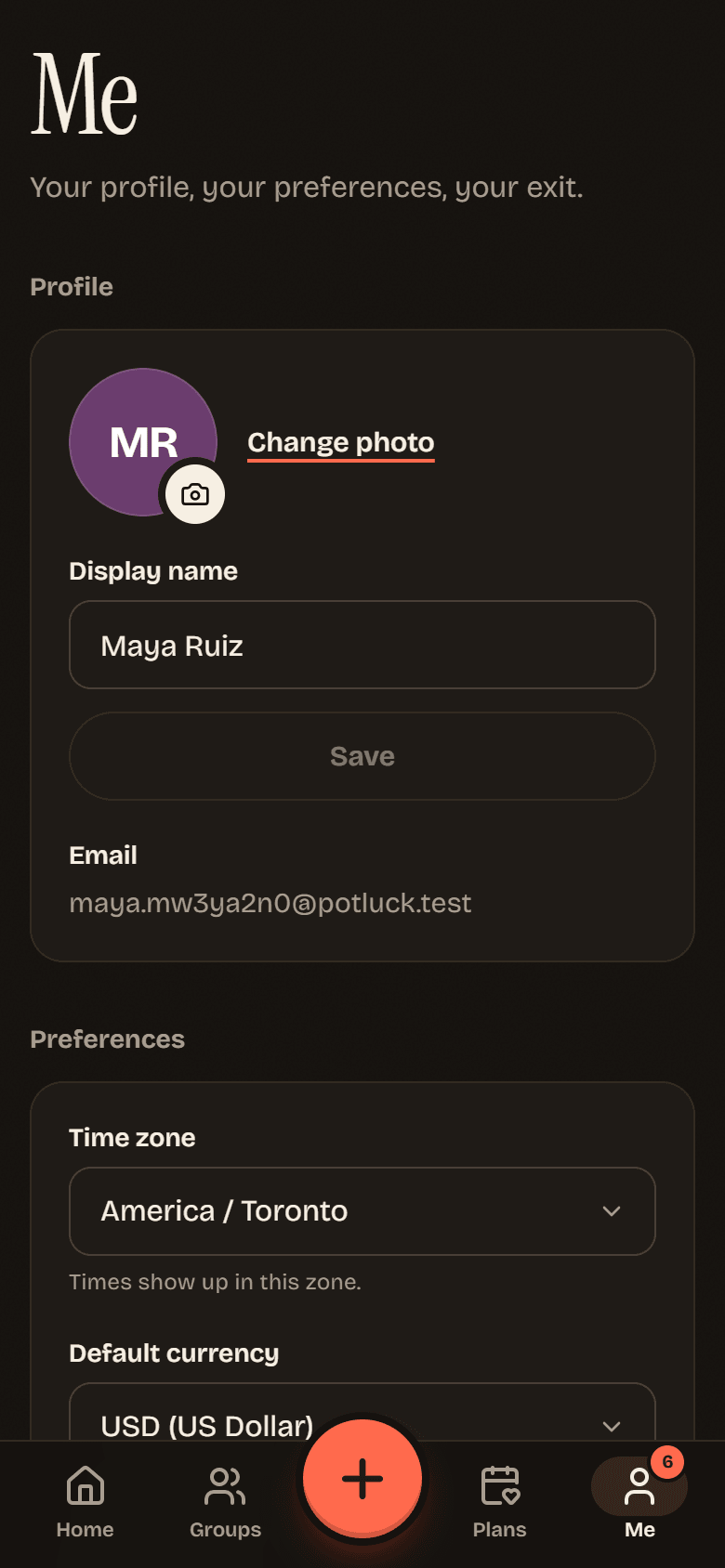
Appearance : System follows your device’s light or dark setting. Light and Dark pick one. This is saved on each device separately.
Changes save as soon as you make them.
Notifications
Section titled “Notifications”Open inbox takes you to your notifications. Push notifications turns pings on or off for this device. See Notifications.
Calendar feed
Section titled “Calendar feed”Your calendar feed is a private link that lists every plan from all your groups that has a time locked in. Calendar apps check it regularly, so new plans, changes and called-off plans show up on their own.
- On Me, find Calendar, then Calendar feed.
- Tap Subscribe to open your calendar app and add it. Or tap Copy feed link and paste it into your calendar app’s “add calendar from URL” option (in Google Calendar, that is Other calendars, then From URL).
Calendar apps refresh subscribed calendars on their own schedule, from a few minutes to several hours, so a new plan may take a while to appear.
Reset the link
Section titled “Reset the link”Anyone with your feed link can see your plans’ titles, times, places and group names. If you shared it by accident, tap Reset link and confirm. The old link stops working, so subscribe again with the new one.
Sign out
Section titled “Sign out”Tap Sign out at the bottom of Me. You are signed out on this device only.
Delete your account
Section titled “Delete your account”- At the bottom of Me, tap Delete account.
- Read what will happen, then type DELETE in the box.
- Tap Delete my account.
What happens to shared tabs
Section titled “What happens to shared tabs”Your friends’ money should not change because you left, so Potluck keeps the shared records and removes you from them:
- Your name, photo and email are removed. In every group you were in, you show as Former member.
- Expenses and payments you were part of stay, so everyone’s totals still add up.
- Open balances stay. If you owed someone, the group still shows that debt against Former member. Settle up first so nobody is left waiting. See Recording a payment.
- Groups you own pass to the longest-standing admin, or the longest-standing member if there is no admin. Groups with nobody else in them are deleted.
- Your availability, RSVPs, notifications, push settings, friends list and calendar feed are deleted. Invite links you made stop working.
See Privacy and security for what Potluck stores in the first place.