Groups
A group is a shared tab: the roommates, a trip, the Thursday dinner crew. Everything you split and everything you plan lives in a group.
Create a group
Section titled “Create a group”-
Open Groups and tap New group. (Home and the first-run screen have the same button.)
-
Give it a Group name, pick an Emoji (or type your own in Or type your own) and a Color.
-
Choose the Currency. Balances in this group are kept in it, and it locks once the first expense or payment is added. People can still add expenses in other currencies; see Currencies.
-
Tap Create group.
You become the group’s Owner. Potluck opens the Members tab with a ready-to-go invite card, because a table for one is no fun.
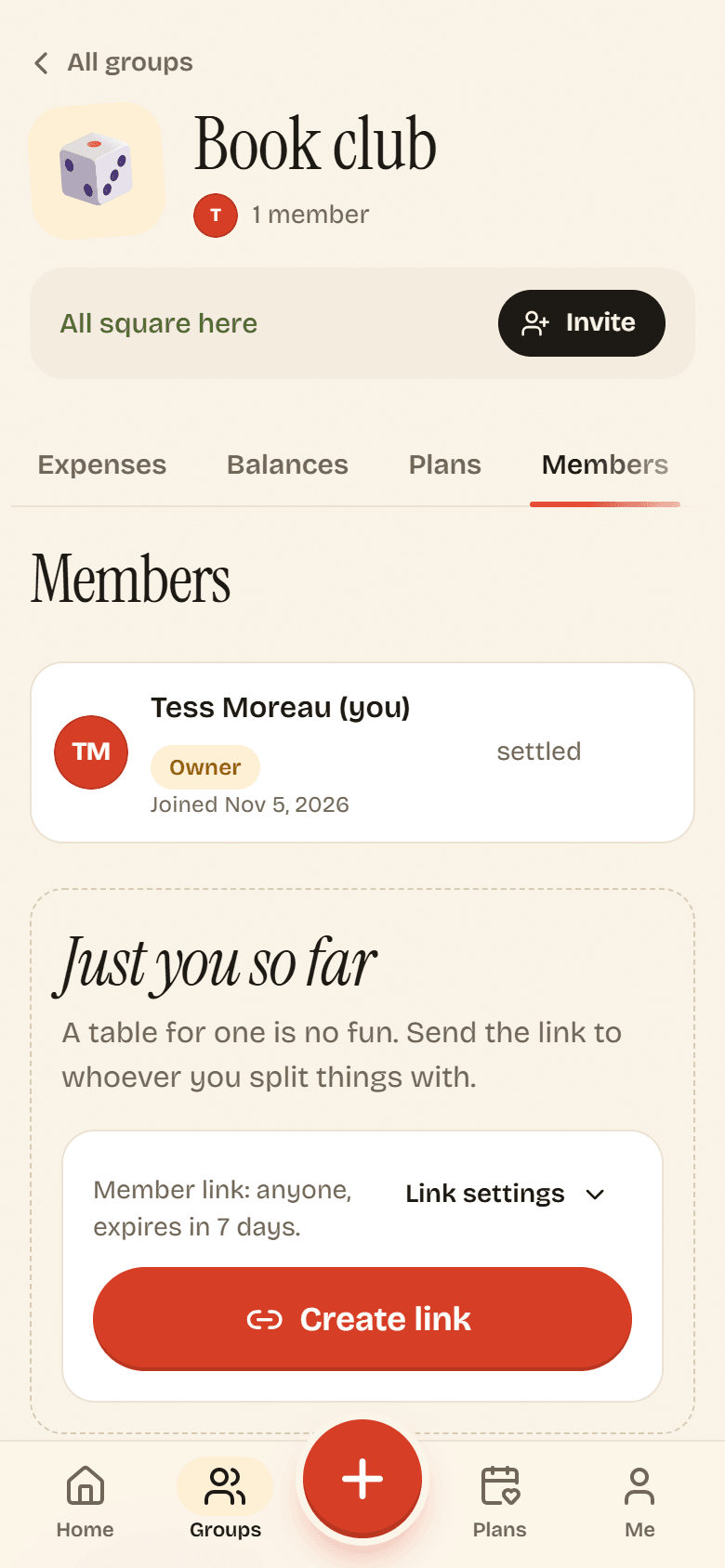
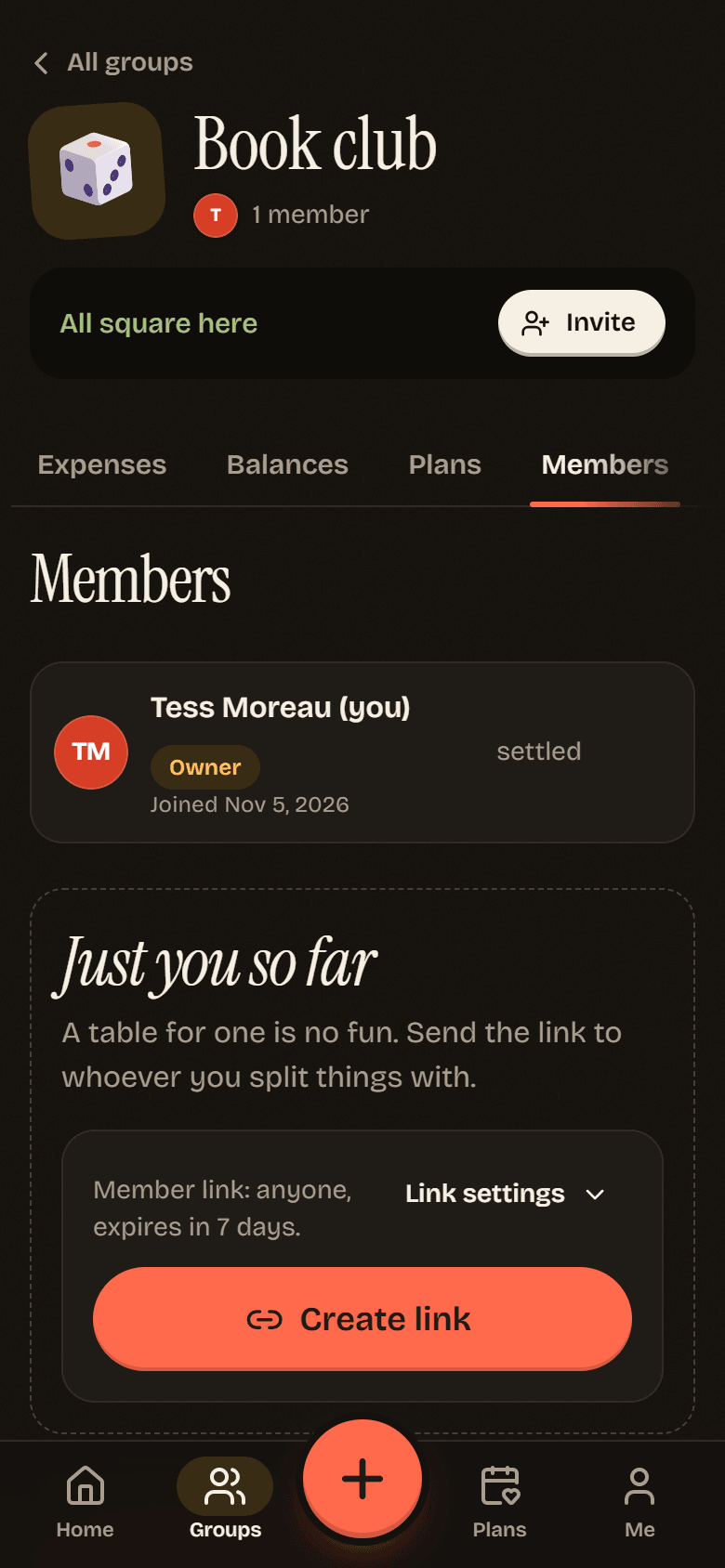
Tap Create link and send it to your friends. Inviting people covers the options.
Your groups
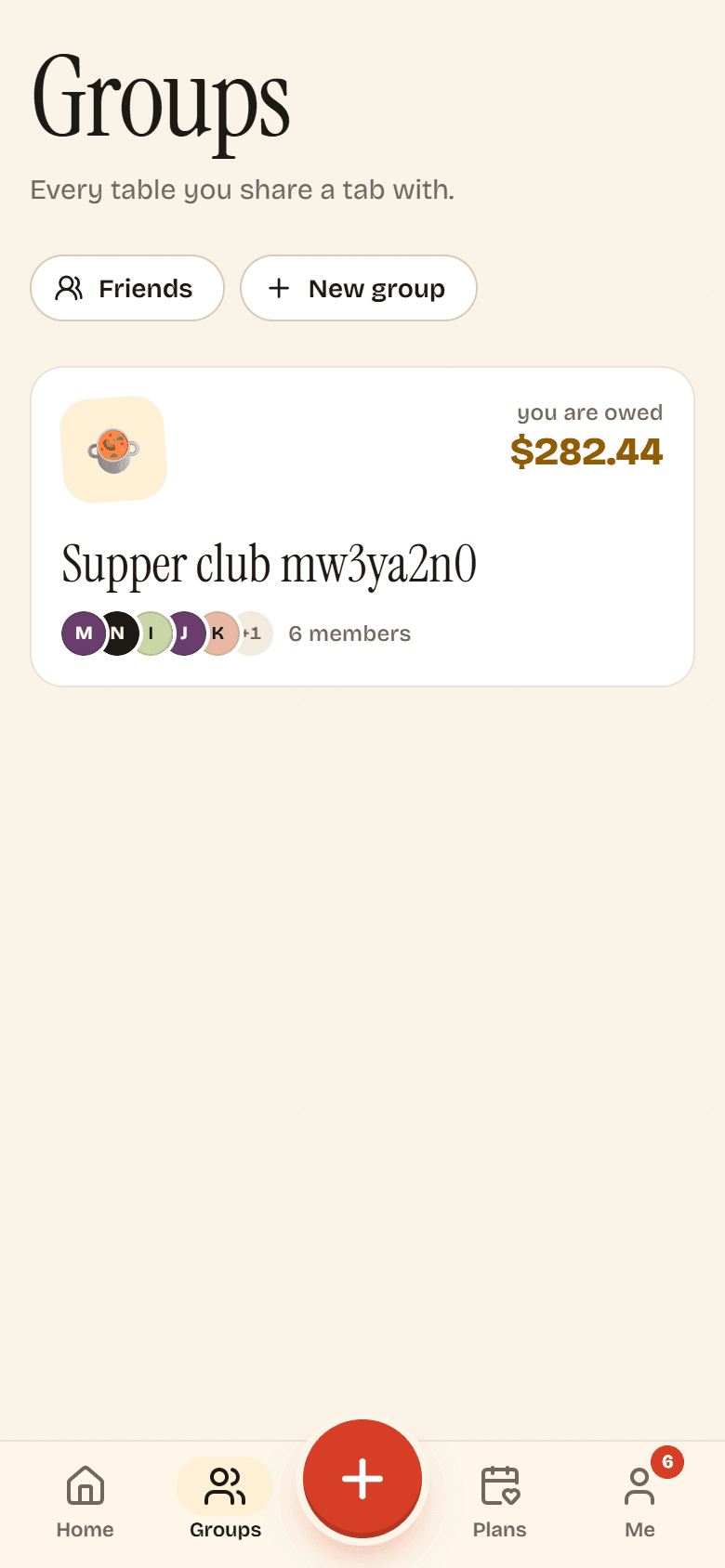
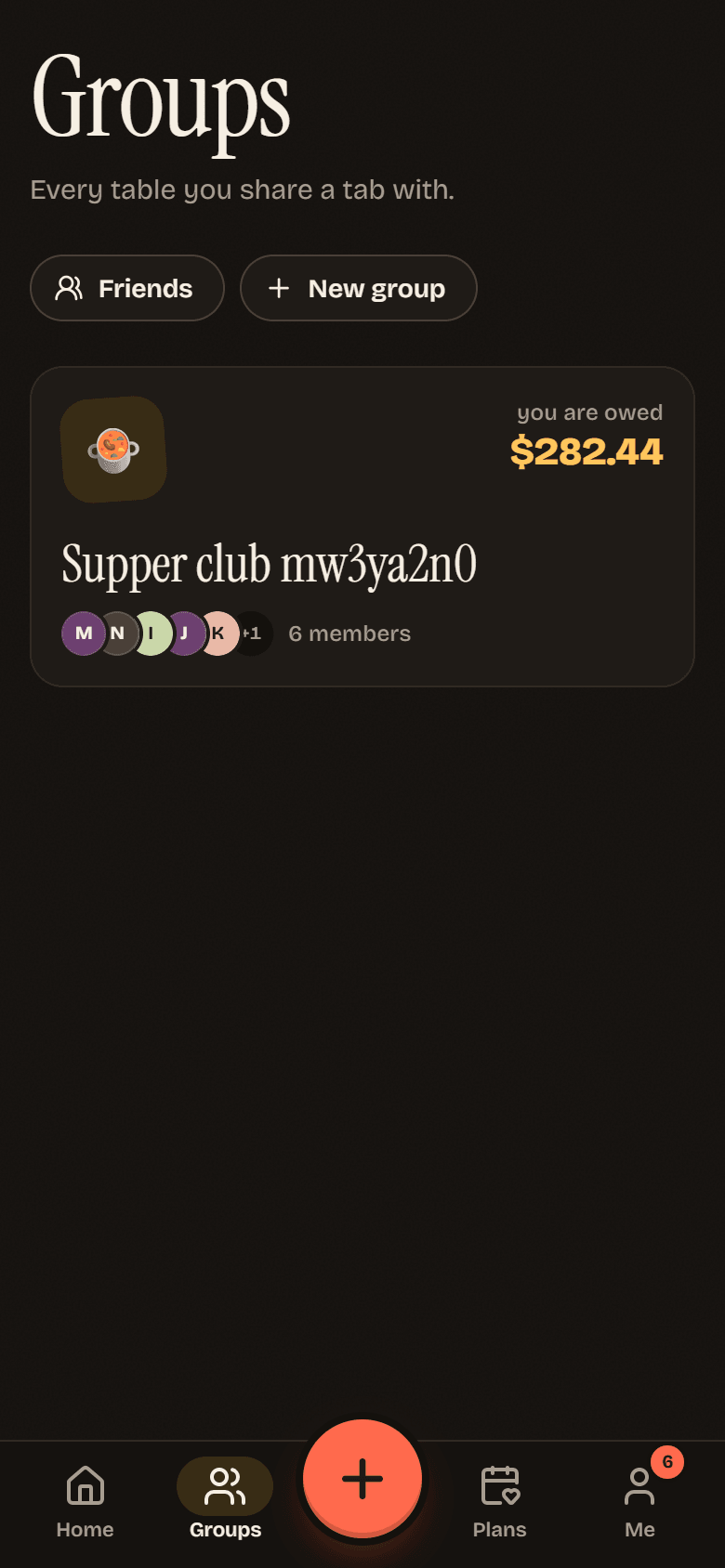
Section titled “Your groups”Groups lists every group you are in, with your balance in each and who is in it. Tap one to open it.
Inside a group
Section titled “Inside a group”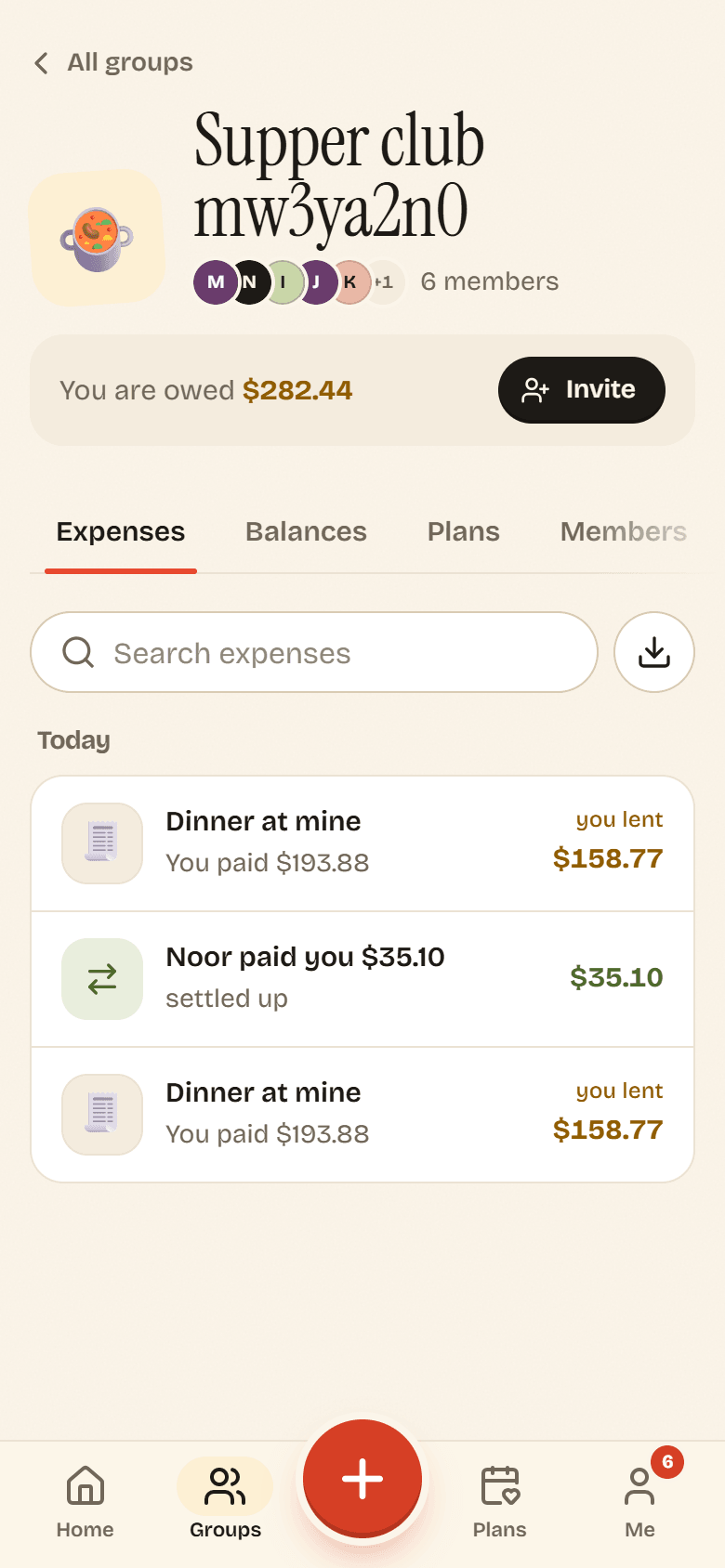
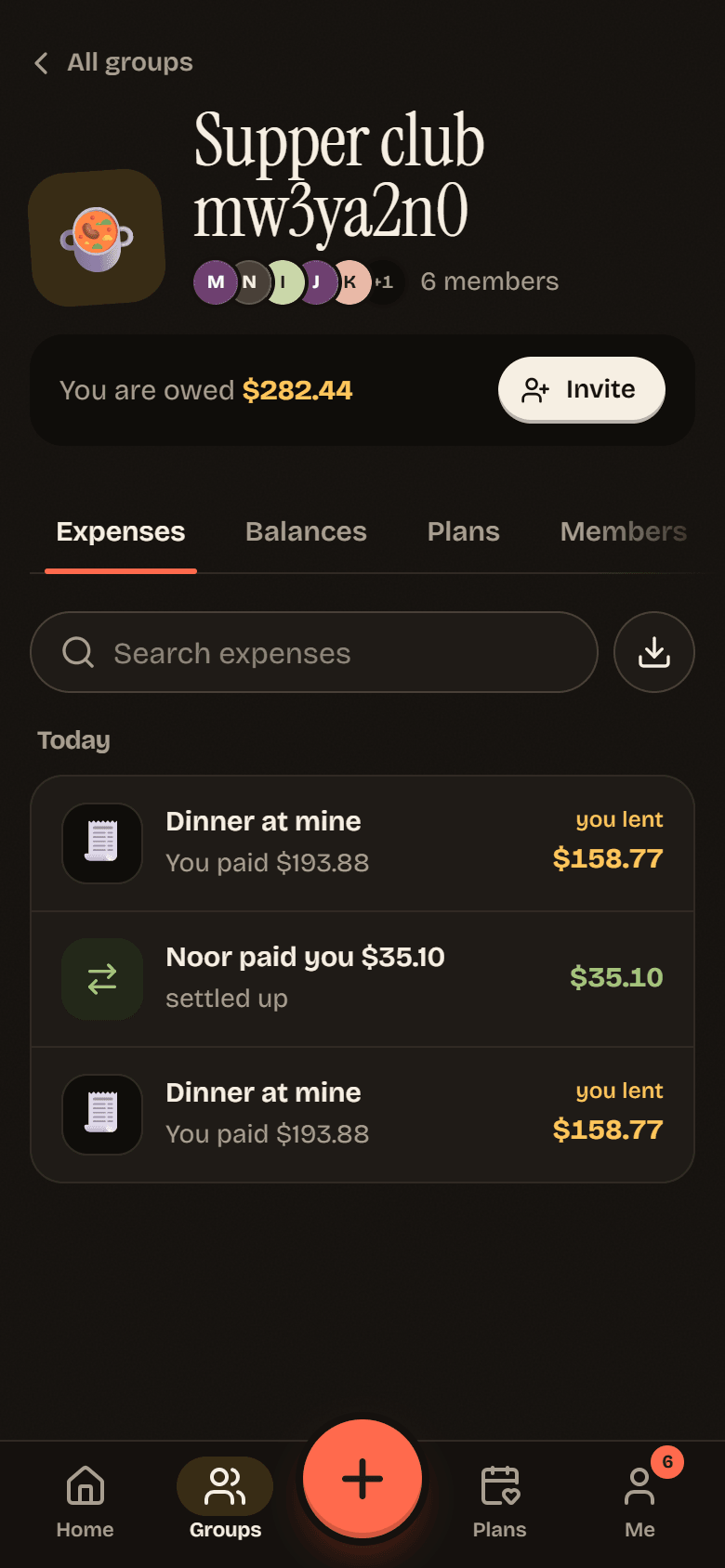
The header shows the group’s emoji, who is in it and your balance in plain words: You are owed, You owe, or All square here. The Invite button is always one tap away.
The tabs underneath:
| Tab | What is there |
|---|---|
| Expenses | Every expense and payment, newest first. Search, filter by category, or download a CSV. Repeating expenses sit at the top. |
| Balances | Who owes whom, and the Settle up button. See Balances. |
| Plans | The group’s open polls and what is on the calendar. See Plans. |
| Members | Everyone in the group, their role and their balance. See Roles. |
| Settings | Name, emoji, color, currency, house rules, archive, leave and delete. See Group settings. |
On a phone the tabs scroll sideways, so swipe left to reach Members and Settings.
Download a group’s expenses
Section titled “Download a group’s expenses”On the Expenses tab, tap the download button next to the search field (Export CSV). You get a spreadsheet with the date, description, category, who paid, the amount and currency, the exchange rate, the amount in the group currency, notes, and each person’s share.
Archived groups
Section titled “Archived groups”When a trip is over, archive the group from Group settings. It drops off your list but nothing is lost. On Groups, tap Show archived to find it again.