Recording a payment
Potluck does not move money. You pay people the way you already do (cash, a bank transfer, a payment app) and then record it in Potluck so the balance goes down.
Settle up
Section titled “Settle up”-
On the group’s Balances tab, tap Settle up. You can also tap the big plus button, then Settle up, and choose the group under Which group are you settling?
-
Under Who are you paying?, pick the person. People you owe are listed first under Suggested, with the amount. Anyone else in the group is under Everyone else.
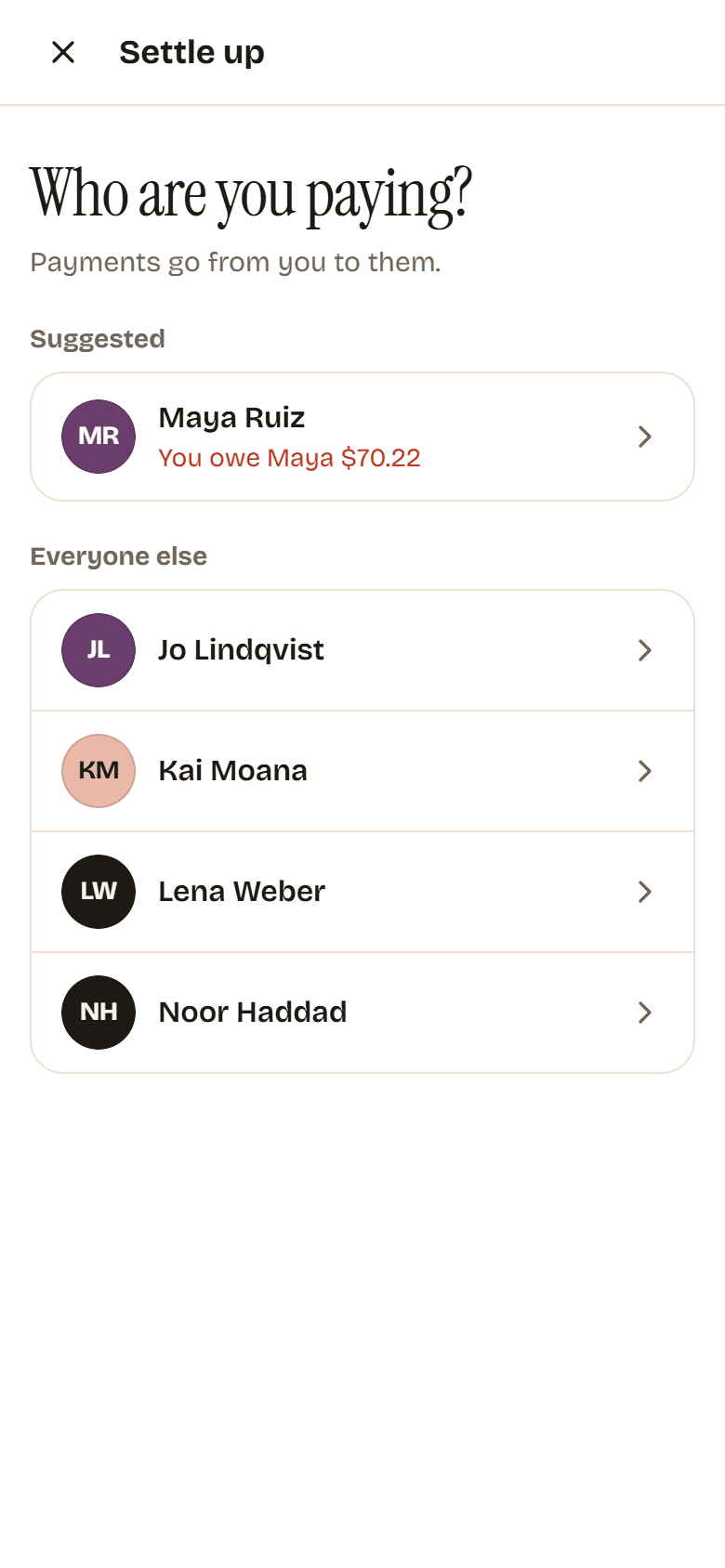
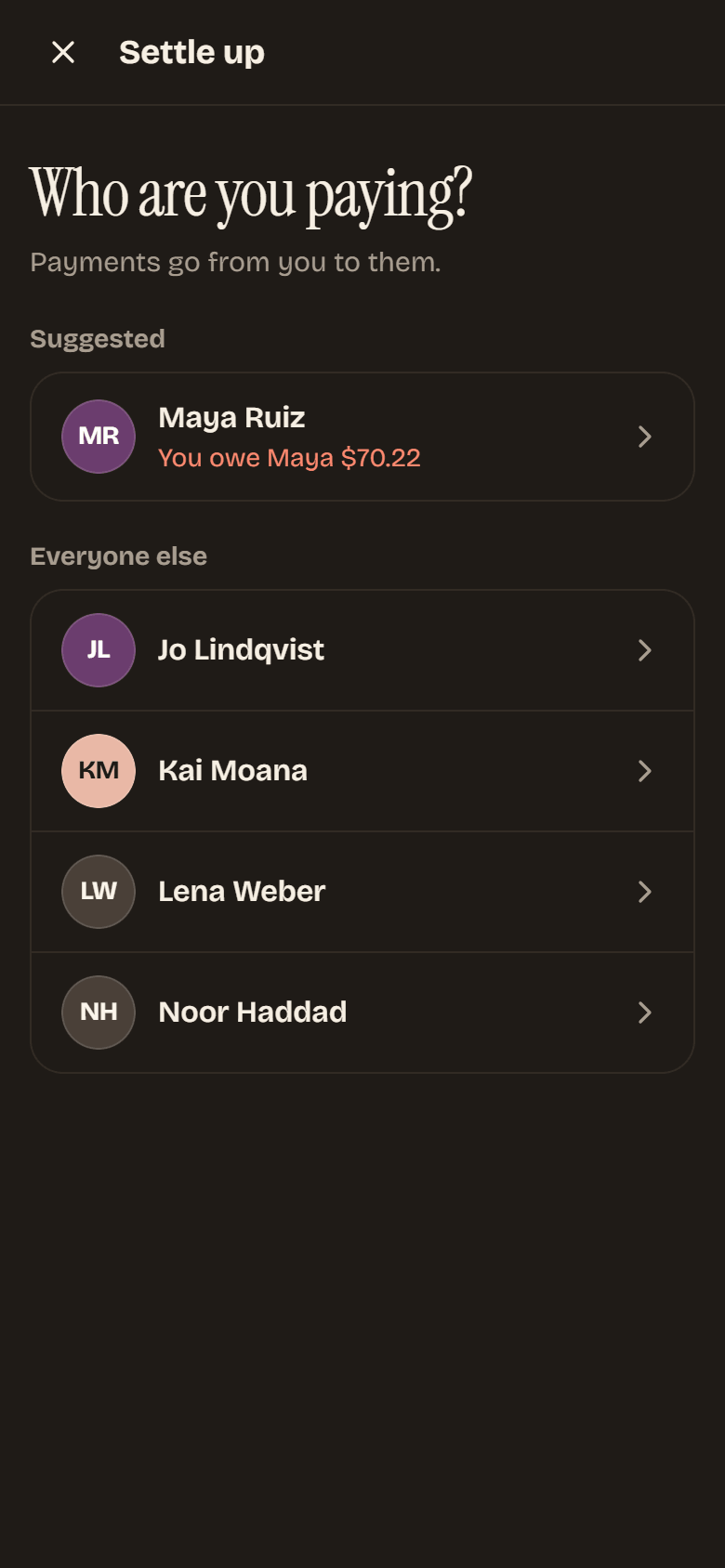
-
Check the Amount. It starts at what you owe that person, and you can pay less (a partial payment) or a different amount.
-
Add a Note if you like, such as how you paid.
-
Tap Record payment.
If that clears it, you see All square with their name and the balance ticks down to zero. If you paid part of it, Potluck says Payment recorded and how much you still owe. Tap Back to the group to return.
The person you paid gets a You got paid notification, and the payment shows in the group’s expense list, for example Noor paid you $35.10.
Recorded a payment by mistake?
Section titled “Recorded a payment by mistake?”Find the payment in the group’s Expenses tab, tap the … menu on its row and choose Delete payment. Confirm, and balances go back to how they were.
You can delete a payment if you made it, received it or recorded it. Group owners and admins can delete any payment. There is no undo, so check the row first.