Notifications
Potluck keeps you posted in two ways. The inbox inside the app always has every update. Push notifications are optional pings on your phone or computer.
The inbox
Section titled “The inbox”On a computer, click Notifications in the left rail. On a phone, tap Me, then Open inbox. The red badge on Me (or next to Notifications) counts what you have not read.
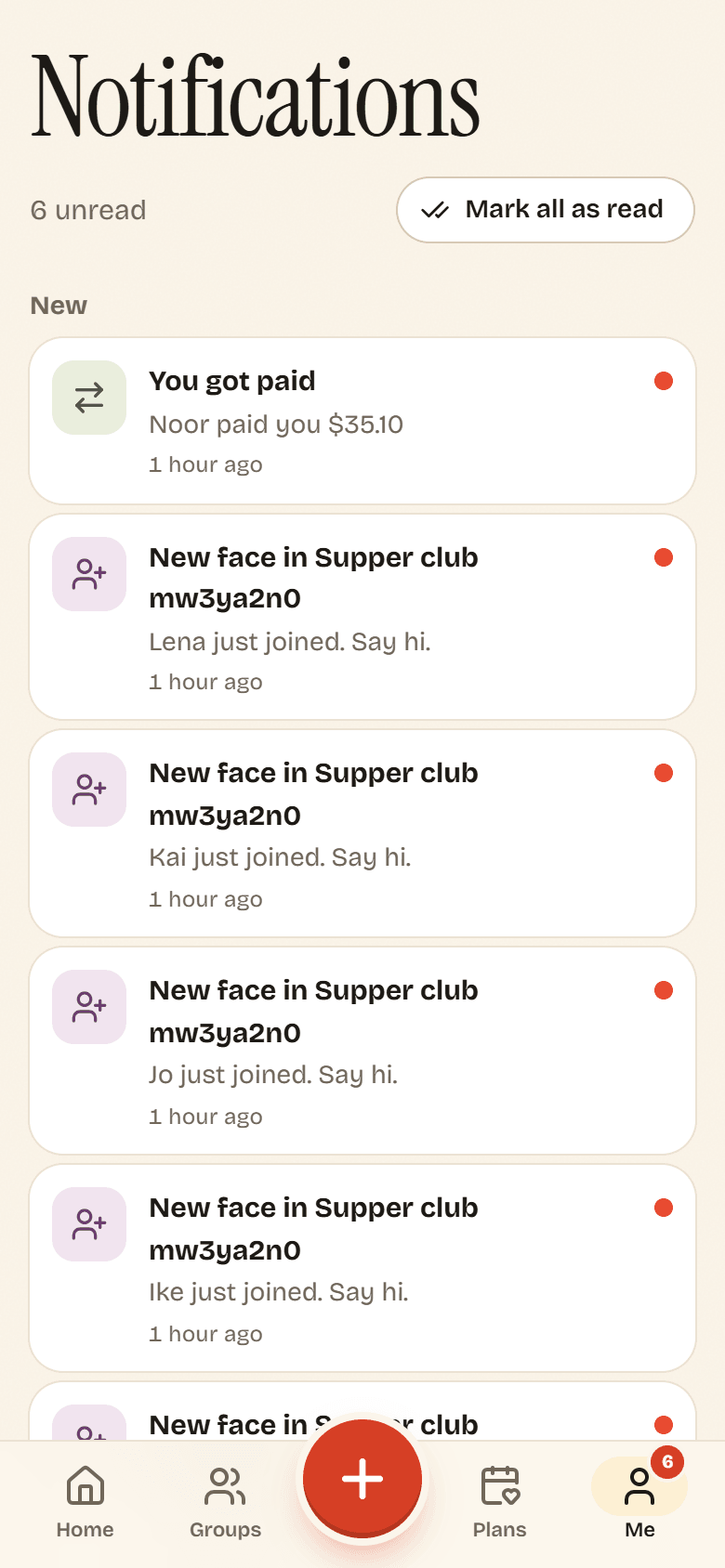
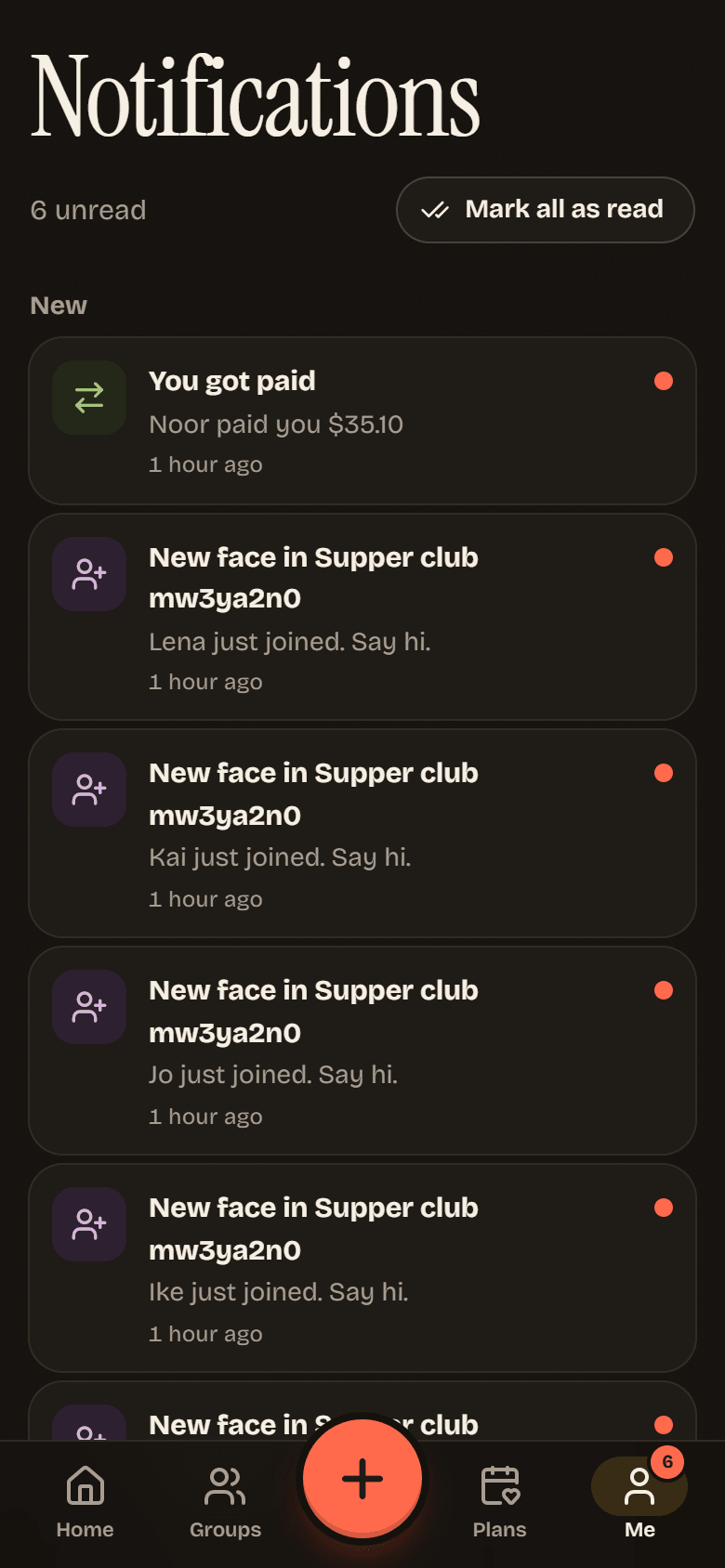
New updates are under New, older ones under Earlier. Tap one to go straight to the expense, plan or group it is about. Tap Mark all as read to clear the badge. When there is nothing left, the inbox says All caught up.
What you hear about
Section titled “What you hear about”| Notification | When | Who gets it |
|---|---|---|
| New expense in a group | Someone adds an expense | The people in the split and the payer |
| Expense updated | Someone changes an expense | The people in it |
| You got paid | Someone records a payment to you | The person paid |
| New face in a group | Someone joins | The owner and admins |
| Something is cooking | Someone starts a plan | The group |
| When are you free? | Someone nudges you to add your times | The people nudged |
| It’s a date | A plan is locked in | The group |
| Plans changed | A plan is called off | The group |
| Coming up | About a day before a plan | People going or maybe |
| Are you in? | About a day before a plan | People who have not answered |
| New comment | Someone comments | People in that expense, or the organizer and people coming to that plan |
You never get notified about your own actions.
Turn on push notifications
Section titled “Turn on push notifications”- Go to Me and find Notifications.
- Turn on Push notifications.
- When your browser asks for permission, tap Allow.
When it works, the switch says Push is on for this device. Push is set per device: turn it on separately on your phone and your laptop.
Turn push off
Section titled “Turn push off”Turn off Push notifications on Me. That device stops getting pings right away. The inbox keeps working, as the app says: You will always see updates in your inbox.
You can also block notifications for Potluck in your browser or phone settings. Potluck then shows Notifications are blocked in your browser settings. To turn push back on later, allow notifications for the site in those settings first.
If push does not arrive, see Troubleshooting.