Planning something
The app sums it up: Pick a few days. Everyone paints when they are free. We find the night.
A plan starts as a poll. Everyone in the group paints the times that work for them, Potluck ranks the best ones, and the organizer locks one in. Then it is on everyone’s calendar.
Start a poll
Section titled “Start a poll”-
Tap Plan something on the Plans page or a group’s Plans tab. From anywhere else, tap the big plus button, then Plan something, and choose the group under Which group?
-
The plan. Fill in What’s the plan?, pick an Emoji, and add Where and Details if you know them.
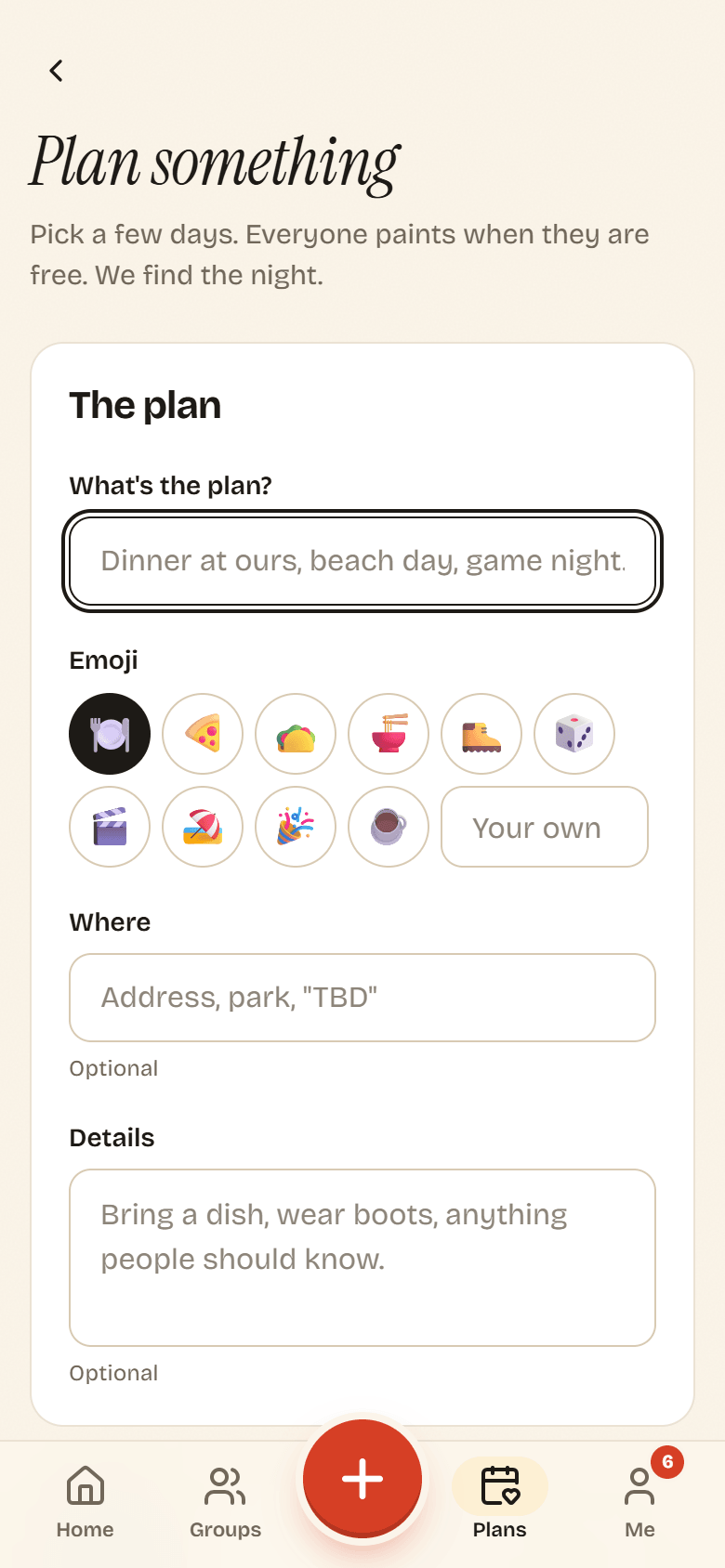
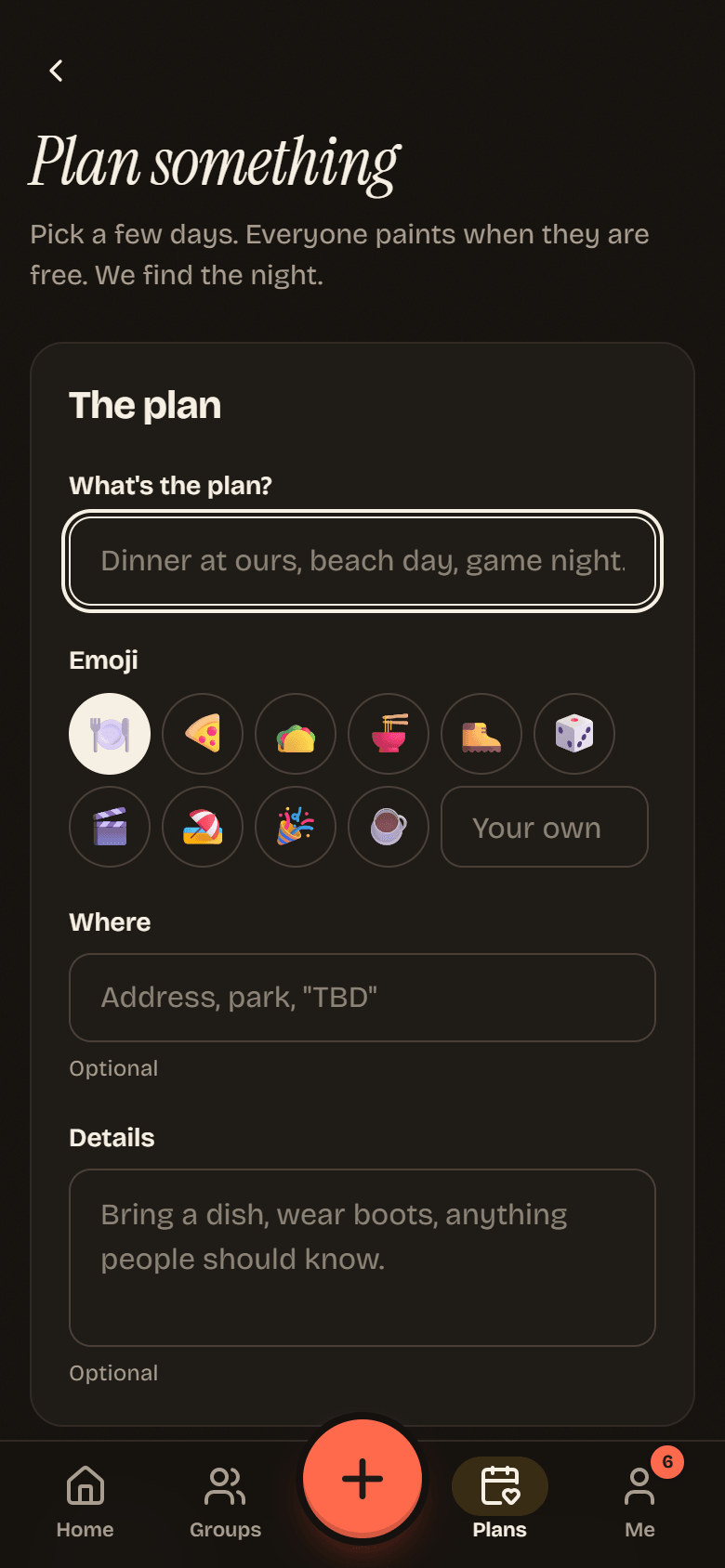
-
When. Set the window and the shape of the event:
- Which days could work? A First day and Last day. Potluck starts with tomorrow through a week from today. Keep it to about two months.
- What hours? The part of each day people can choose from, From and To. The default is 10 AM to 10 PM.
- How long? How long the event lasts, from 30 minutes to 12 hours. The default is 2 hours.
- Grid size: 15, 30 or 60 minute cells for painting. 30 is a good middle.
- Minimum people: Potluck only suggests times at least this many can make.
- RSVP by (optional): a gentle deadline for answers.
-
Who. Under Who should add their times?, everyone in the group is picked. Tap people to leave them out, or use Everyone and Nobody. They get a nudge as soon as the poll opens.
-
Tap Start the poll.
Times are in your time zone, and the form says which one. People in other time zones see the same poll in their own local time.
What happens next
Section titled “What happens next”- Everyone paints their availability on a grid.
- Potluck ranks the best times as answers come in.
- The organizer, or an owner or admin, locks in a time. Everyone gets a heads up and can RSVP.
The Plans page
Section titled “The Plans page”Plans collects plans from all your groups. Filter by group at the top.
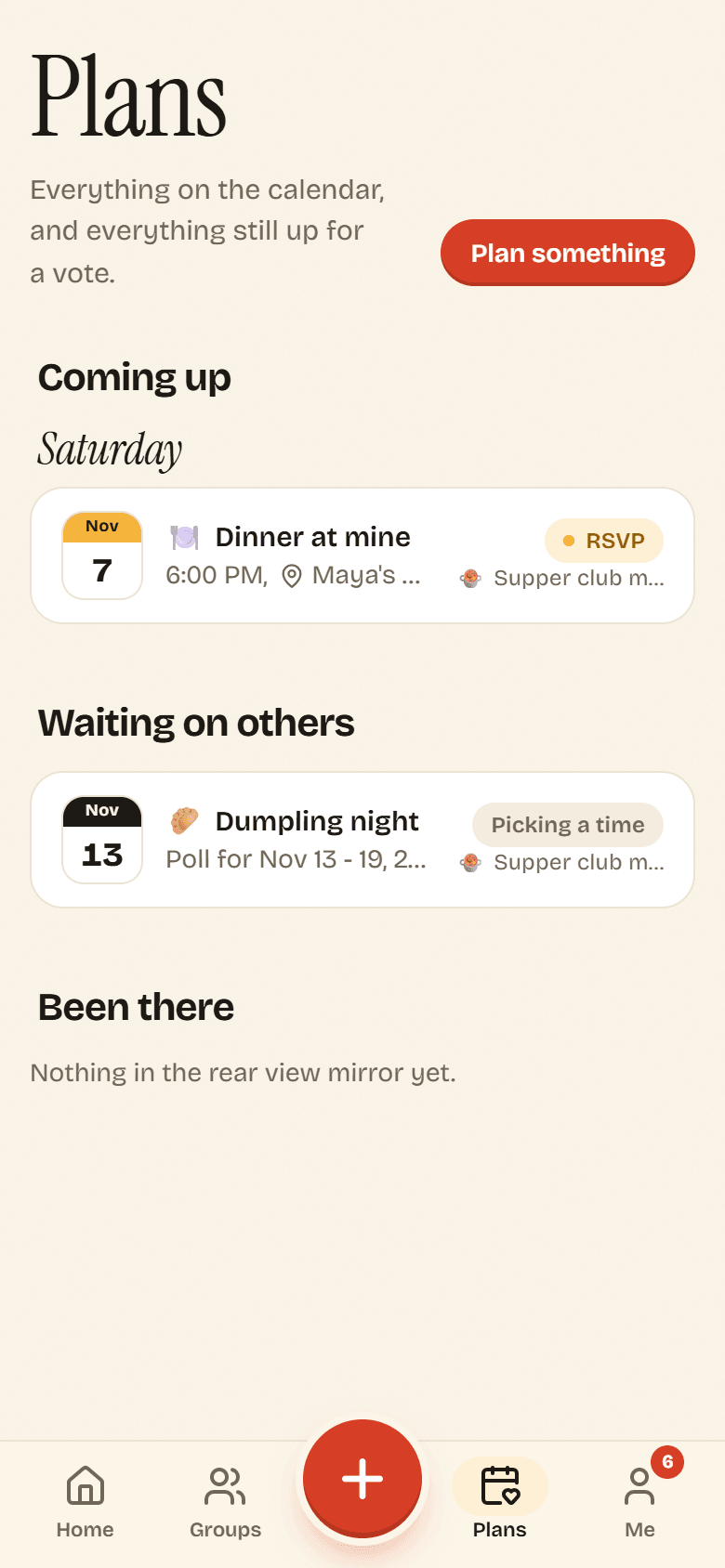
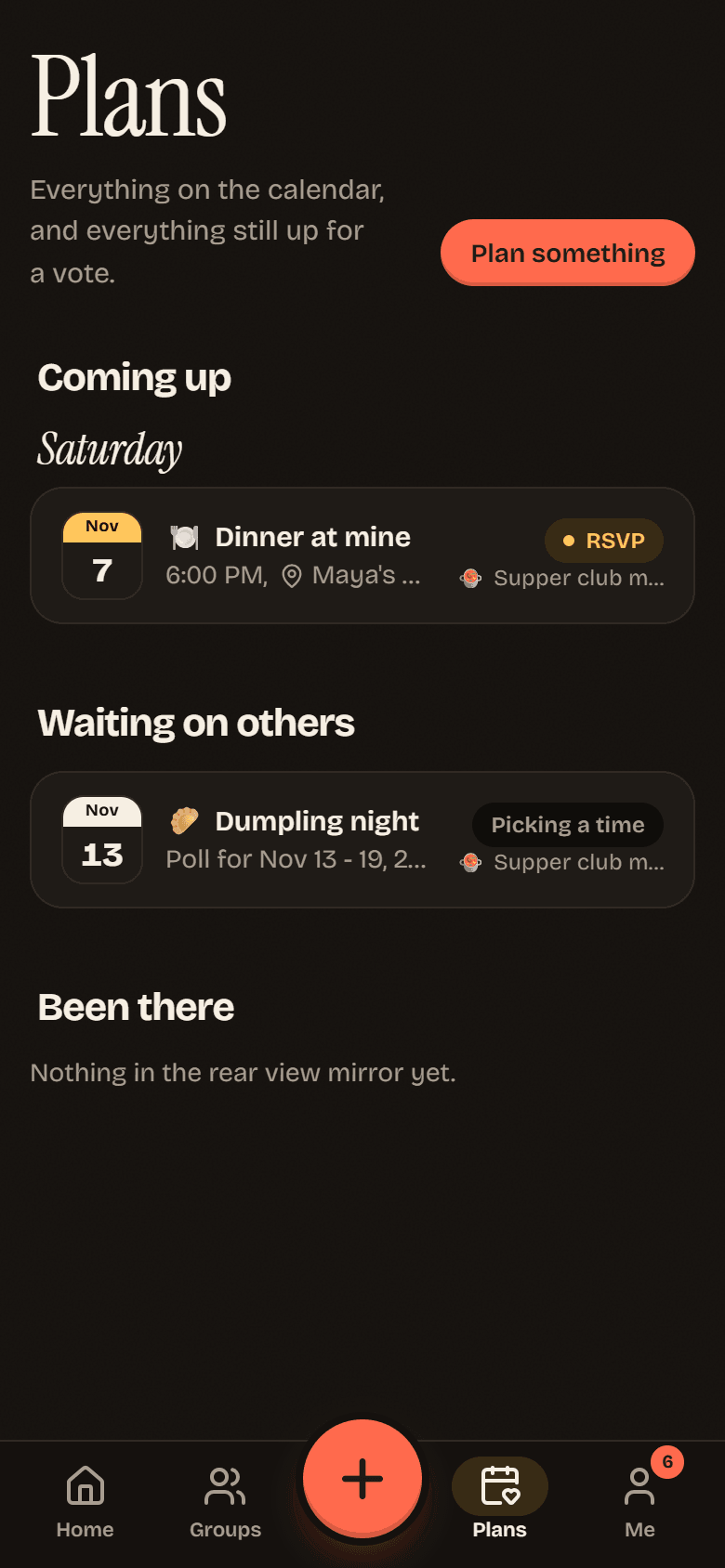
- Still polling: polls waiting for your times.
- Coming up: plans that are on the calendar. See Timeline.
- Waiting on others: polls you have answered that are still open.
- Been there: plans that already happened.
Each plan has a status: Finding a time while it polls, On the calendar once locked in, Called off if cancelled, and Done and dusted after it ends.